Appearance
The Predefined Functions are the building blocks for creating Parameterized Templates and Surround Templates. However, sometimes the Predefined Functions are not enough.
This tutorial illustrates how to add custom functions to an Consulo plugin and make them available for use by Live Templates. As an example, a function is created to convert a selection to Title Case. Refer to the SDK code sample live_templates.
Implementing a New Function
Under the hood, the predefined functions for Live Templates are called macros. A new custom function for Live Templates is implemented in TitleCaseMacro, which extends MacroBase. Three TitleCaseMacro methods are of particular interest:
- The
TitleCaseMacro()constructor passes the name and description of the macro to the parent constructor. - The
isAcceptableInContext()method tests whether the macro is available in the current context. The test relies on theMarkdownContextobject previously defined in thelive_templatesplugin. - The
calculateResult()method gets invoked when the titleCase function is used in a Live Template. The text to be capitalized is retrieved from the Live Template and converted to Title Case.
java
package org.consulo.sdk.liveTemplates;

import consulo.annotation.component.ExtensionImpl;
import consulo.language.editor.template.*;
import consulo.language.editor.template.context.TemplateContextType;
import consulo.language.editor.template.macro.MacroBase;
import consulo.util.lang.StringUtil;

import jakarta.annotation.Nonnull;

@ExtensionImpl
final class TitleCaseMacro extends MacroBase {

  public TitleCaseMacro() {
    super("titleCase", "titleCase(String)");
  }

  private TitleCaseMacro(String name, String description) {
    super(name, description);
  }

  @Override
  protected Result calculateResult(Expression @Nonnull [] params, ExpressionContext context, boolean quick) {
    String text = getTextResult(params, context, true);
    if (text == null) {
      return null;
    }
    if (!text.isEmpty()) {
      text = StringUtil.toTitleCase(text);
    }
    return new TextResult(text);
  }

  @Override
  public boolean isAcceptableInContext(TemplateContextType context) {
    return (context instanceof MarkdownContext);
  }

}
Adding a Live Template
Using the procedures previously discussed for Template Creation and Export the Live Template, add a Live Template to the Markdown.xml file for the plugin. The XML representation of an example Live Template using the new titleCase function is listed below.
There is only one variable, TITLE. The expression for TITLE evaluates to the titleCase function provided by the plugin. The argument to the titleCase function is SELECTION, which tells the Consulo to operate on the current selection.
xml
<template name="mc"
        value="$TITLE$"
        description="SDK: Convert to title case"
        toReformat="true"
        toShortenFQNames="false">
  <variable name="TITLE" expression="titleCase(SELECTION)" defaultValue="the quick brown fox" alwaysStopAt="true" />
  <context>
    <option name="MARKDOWN" value="true" />
  </context>
</template>
Register the Macro with @ExtensionImpl
In Consulo, the Macro base class is annotated with @ExtensionAPI, so macro implementations are registered using the @ExtensionImpl annotation instead of XML. Add @ExtensionImpl to the TitleCaseMacro class:
java
@ExtensionImpl
public class TitleCaseMacro extends MacroBase {
    // ... (see implementation above)
}
Check Plugin
Now verify the plugin is working correctly.
- Run the plugin in a Development Instance.
- Create a new file
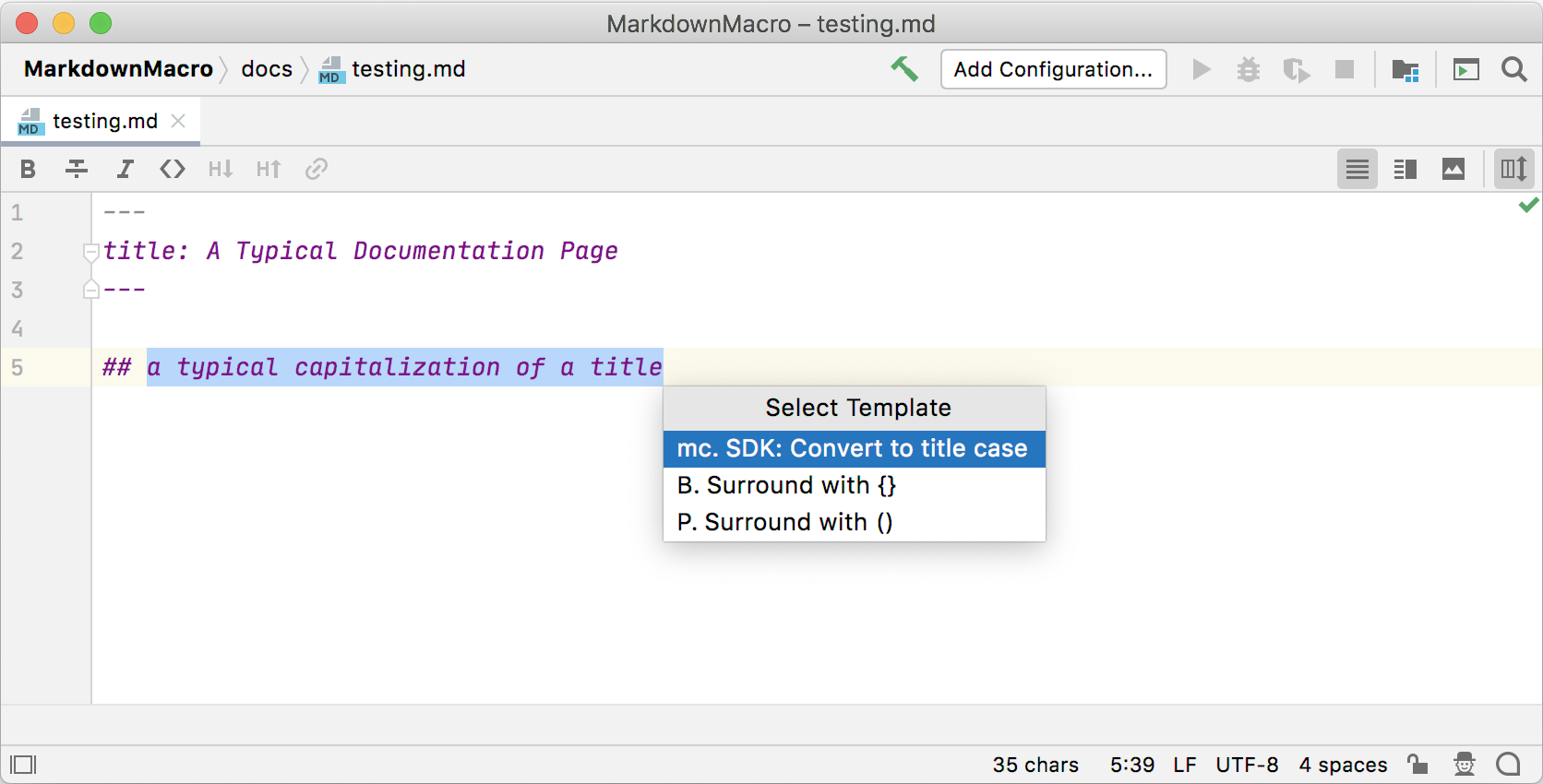
testing.mdand enter several words in lower case. - Highlight the text and enter ⌥⌘J to open the Select Template popup. Confirm that the SDK: Convert to title case is available in the popup, and select it.
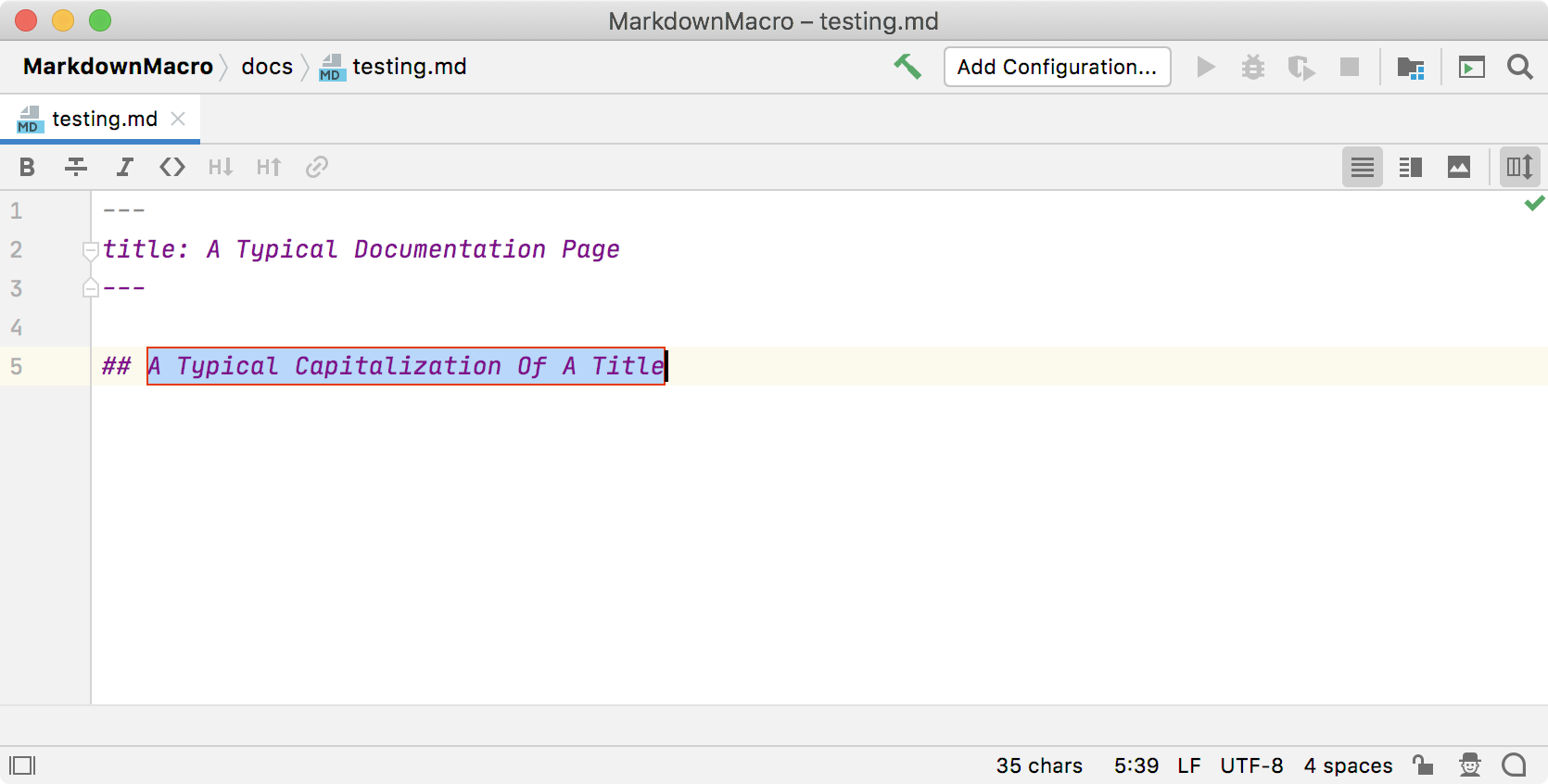
Test that the Live Template works by entering m or return. The text will change to have each word capitalized: